
Apply
Student admission and applicant records.
School management software Australia can connect student applications, program enrolment, attendance, academic operations and fee processes so institutional teams work from structured records instead of fragmented spreadsheets.
Student admission and applicant records.
Programs, terms, batches and courses.
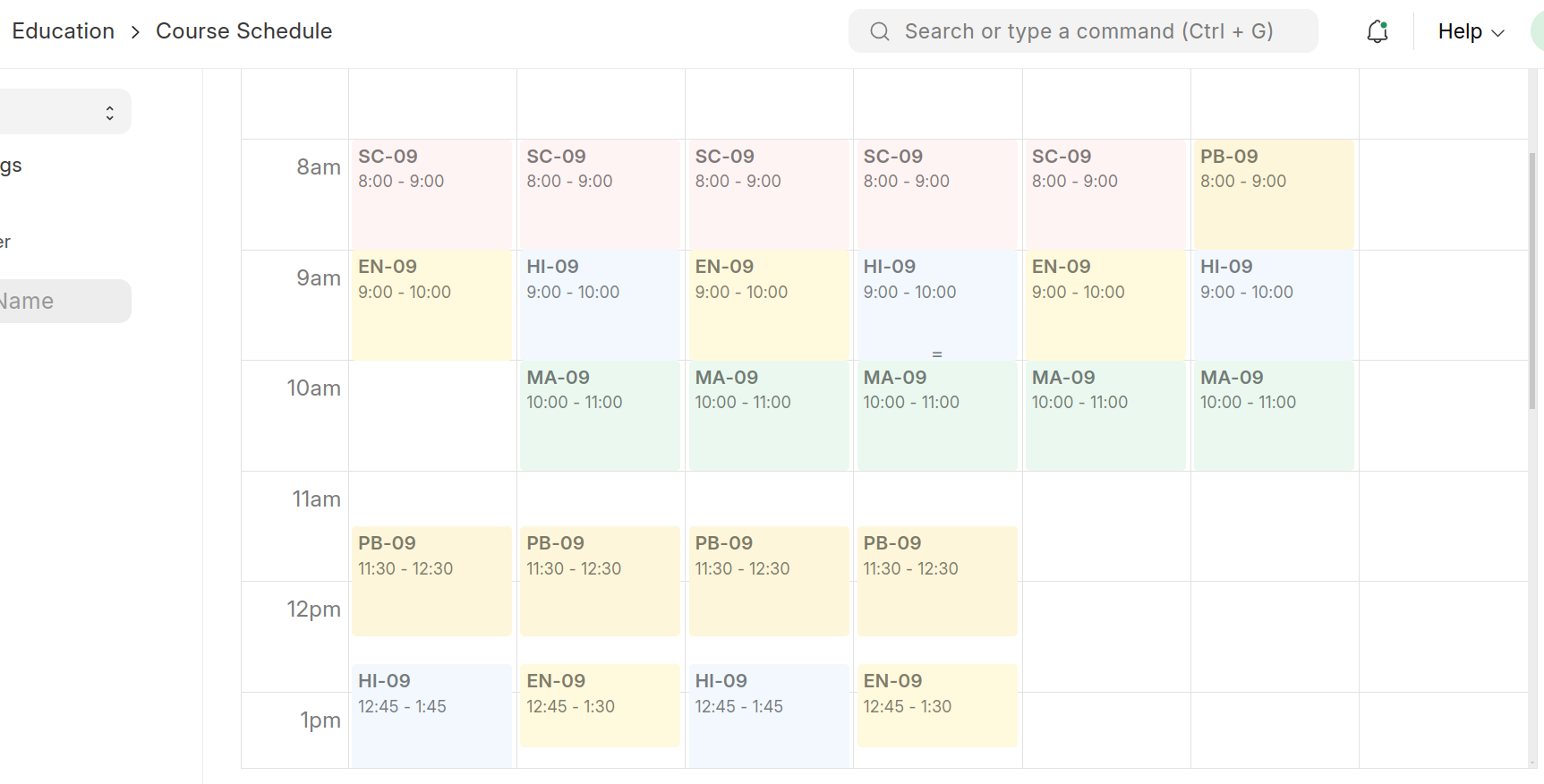
Schedules, attendance and assessments.
Fee structures, schedules and records.
Student portal visibility and access.
School management software Australia can support applicant records and program enrolment so institutions structure the transition from admission into academic participation. Program Enrollment connects students with programs, academic periods and selected courses.
Official platform references: Frappe Education documentationFrappe Education Student Portal documentation.
Configure academic year and program information for the admission process.
Student Applicant records hold application information and support approval or rejection.
Approved applicants can move into the student master with connected academic records.
Associate students with programs, terms, batches and enrolled courses.

Program Enrollment records the student’s program, academic period and enrolled courses, with additional options for categories, batches, transportation and fee-related information.
School management software Australia can bring attendance, enrolment and student records into the same education data model rather than leaving them as disconnected administrative tasks.

Student Attendance supports daily records and current documentation describes Present, Leave and Absent states, with bulk tools available for attendance updates.

Student records can link to admission, assessment, attendance, activities and fees.

Fetch applicants or existing enrolments and create program enrolments for a new academic context.
School management software Australia can use Fee Structures for reusable components, Fee Schedules for payment timelines, and fee records that connect student, program and accounting information.

Define program-related fee components and accounting information, then reuse the structure when creating student fees or fee schedules.
School management software Australia can provide students with portal access to timetables, grades, fee history and payment, attendance and profile data.

School management software Australia brings student, academic and fee-related records into connected workflows so institutions can manage admissions, enrolments, attendance, schedules, assessments and financial processes with clearer operational visibility.
Frappe Education includes Student Admission and Student Applicant records. Institutions can configure admission information, accept applications, review applicants and move approved applicants into the student and enrolment process.
Yes. Program Enrollment links a student to a program, academic year or term and enrolled courses. The Program Enrollment Tool can also bulk-enrol new students or move existing students into a new program.
Yes. School management software Australia can use Fee Structures, Fee Schedules and fee records to connect student and program information with accounting data.
Yes. School management software Australia can track Present, Leave and Absent states and use bulk attendance tools for batches, courses or activities.
Yes. Current Frappe Education documentation describes a Student Portal with timetable, grades, fee history and payment, attendance and student profile information.
Requirements such as fields, permissions, print formats, workflows and approved extensions can be assessed against standard Frappe Education and ERPNext functionality before customisation is introduced.
The data model covers concepts such as students, programs, courses, academic years, terms, batches and fee structures, so the implementation can be assessed for different education environments including schools, colleges, academies and other institutions.
School management software Australia implementation should start with your admissions, enrolments, attendance, fee operations, academic structures, student access and reporting requirements.