
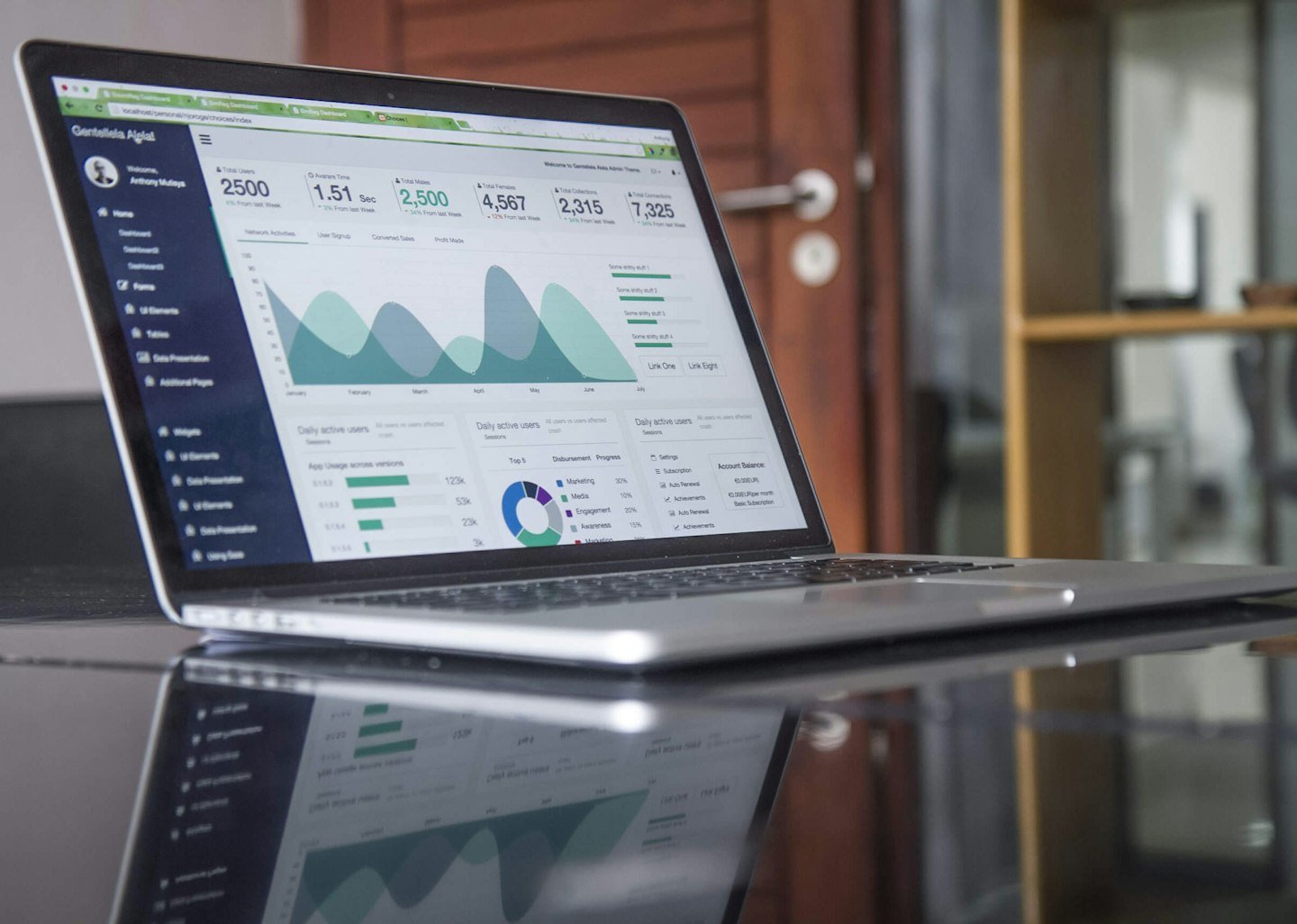
AI Automation for Small Business in Australia: A Practical Guide
Choose your first AI workflow, assess costs and connect automation with ERP using practical examples and Australian privacy guidance.
Read the article →Explore our ERP Blog Australia for practical insights on ERP software, AI automation, implementation, reporting, process improvement and smarter digital operations for Australian businesses.
Each article focuses on practical ERP decisions, operational improvements and implementation ideas that business owners and teams can actually use.
Choose your first AI workflow, assess costs and connect automation with ERP using practical examples and Australian privacy guidance.
Read the article →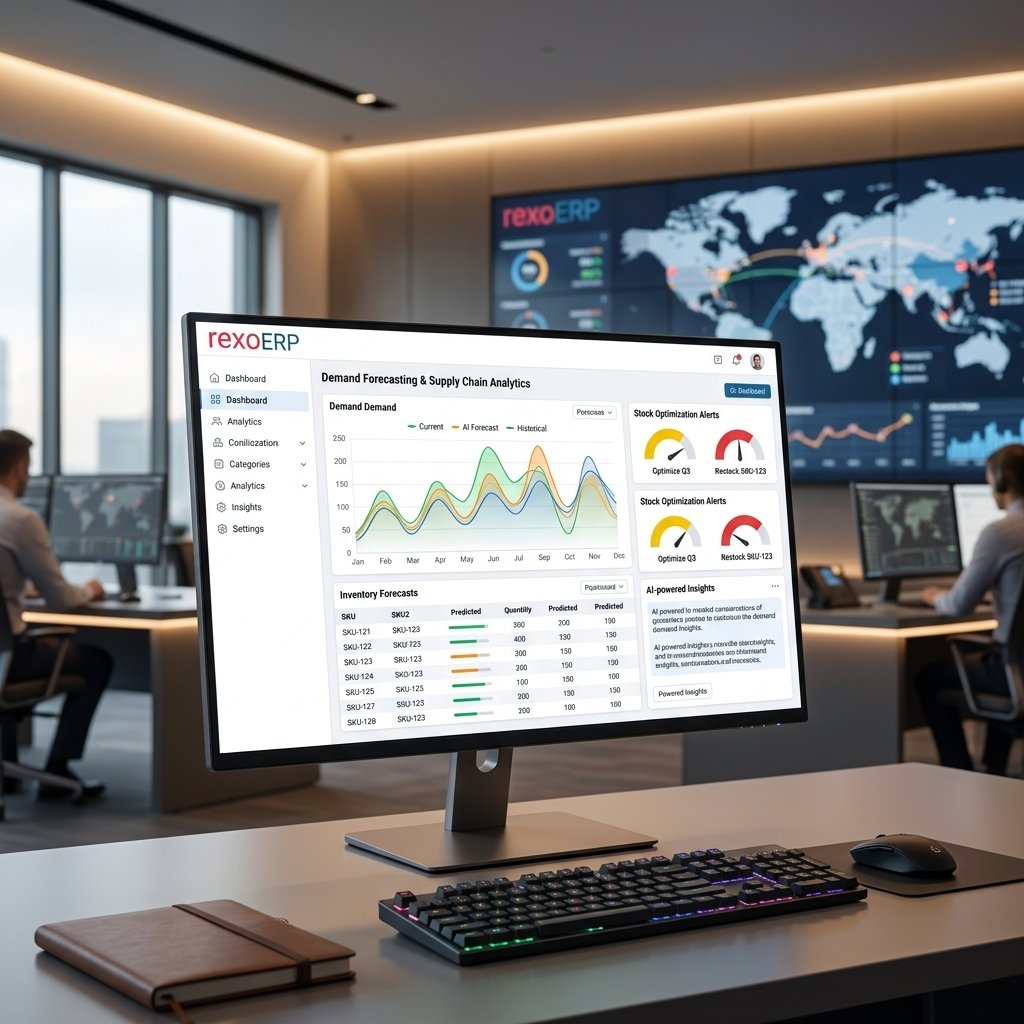
See how AI is changing ERP automation, forecasting, finance, inventory and decision-making, with practical guidance for Australian businesses.
Read the article →
Understand what ERP software is, how it connects finance and operations, the modules it includes, and what Australian businesses should check before choosing a system.
Read the article →Fresh guidance on smarter ERP decisions, reporting, process improvement and connected business operations is being prepared.
Coming Soon →Upcoming articles will cover approvals, repetitive tasks, connected workflows and practical ways to reduce manual ERP work.
Coming Soon →Step-by-step content on ERP planning, process mapping, data preparation, rollout and implementation decisions is coming next.
Coming Soon →Start with the problem your team needs to solve, then use the guides above to ask better questions about software, data and delivery.
If your business relies on separate spreadsheets for sales, purchasing, stock and finance, begin with our guide to what ERP software does. Identify which records are duplicated, where approvals are missed and which reports take too long to prepare.
Write down one complete process, such as a customer enquiry becoming an order and invoice. Include the people involved, the systems they use and the information they hand over. This makes a software discussion more specific than a long wish list of features.
Before booking a demonstration, choose a real example your team understands. Ask to see the normal workflow, an exception and the resulting report. That gives you a practical basis for comparing different approaches.
Our AI in ERP guide explores how automation and assisted analysis can fit into business processes. Start with an activity that repeats often and has an outcome you can check, rather than assuming every task needs artificial intelligence.
For document extraction, decide which fields matter, who checks uncertain results and what happens when a source document is incomplete. For forecasting, identify the decisions the forecast will support and how your team will compare suggestions with actual outcomes.
Keep a clear owner for exceptions. A useful pilot should show whether the proposed workflow saves time while preserving the checks your business needs. Avoid judging success only by how impressive a demonstration looks.
List your current software, approximate users, essential modules and required integrations. Separate the first phase from later improvements, and identify the records that need cleaning before migration.
Agree who will validate customer, supplier, item and financial data. Include time for staff to test everyday scenarios and learn the new process. Your brief should explain what must work before launch and who will confirm that it does.
For product-level reference material, consult the official ERPNext documentation. Features, integrations and delivery arrangements should still be checked against your individual requirements.
ERP Blog Australia is a starting point for informed planning. When you are ready to discuss a project, bring your current workflow, the main bottleneck and the outcome you want to improve. This helps turn general reading into a clear, testable implementation scope.