
Integrated Point of Sale
Process retail transactions through POS while connecting sales with stock and accounting.
Retail POS Software Australia helps retailers connect Point of Sale, inventory, pricing, customers, accounting and multi-store operations so teams can move from checkout activity to stock and financial visibility in one ERP environment.

Process retail transactions through POS while connecting sales with stock and accounting.
Track product availability, warehouses, transfers, batches, serial numbers and returns.
Use price lists, pricing rules and promotional schemes for structured retail pricing.
Configure branches and analyse stock movements and financial performance by business dimension.
Retail POS Software Australia can connect retail transactions with inventory and accounting. ERPNext POS Profiles let businesses configure operational defaults such as company, warehouse and payment methods for each retail context.
Platform references: official ERPNext Point of Sale documentationofficial ERPNext Stock documentation.
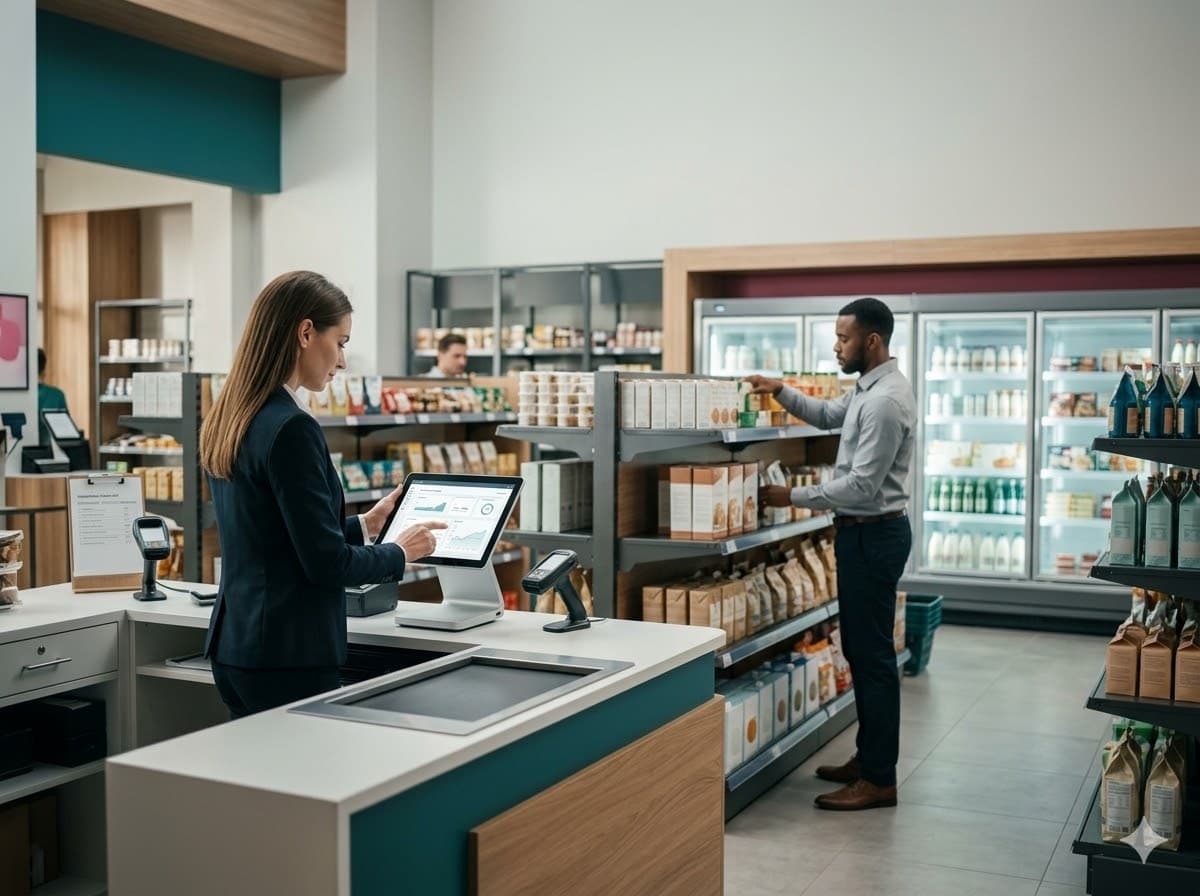
Connect sales counters with the item, warehouse, customer, pricing and accounting records required behind each transaction.
Define company, warehouse, payment methods and other POS defaults for users and retail operations.
Current ERPNext POS documentation supports multiple payment methods as part of streamlined checkout processing.
Associate POS transactions with customer records and extend the experience with configured loyalty programs.
Integrated sales and accounting reduce the need to rebuild checkout activity in a disconnected finance system.
Retail POS Software Australia can support warehouses, stock movements, item variants, batches, serial numbers, returns and stock visibility, giving retailers an operational foundation beyond the cash register.
Track product quantities across configured stores, stock rooms and warehouse locations.
Model product variations such as apparel sizes, colours or other attribute combinations.
Record inventory movement between locations instead of relying on informal branch updates.
Use stock tools and reports to compare system quantities with operational inventory.

Retail POS Software Australia can use ERPNext Price Lists, Pricing Rules and Promotional Schemes to manage repeatable discount, campaign and selling logic under configured conditions.
Maintain separate selling and buying price lists and configure rates for different commercial contexts.
Apply configured rates, discounts, margins or free products based on eligible transaction conditions.
Create structured discount slabs for quantity, amount or other configured promotional conditions.
Retail POS Software Australia can use ERPNext branches and accounting dimensions to analyse stock movements, expenses and financial results by operating segment while maintaining one connected ERP.
Configure the ERP around how stores actually operate rather than forcing every location into disconnected spreadsheets and duplicate reporting.
Retail POS Software Australia can connect Point of Sale, inventory, accounting, customers, pricing and multi-store operations so retail activity flows into the wider ERP.
Yes. Retail POS Software Australia can integrate POS with inventory, supporting stock updates and helping retailers reduce stock discrepancies.
Yes. Retail POS Software Australia can use POS Profiles to define company, warehouse, payment methods and other defaults for different retail counters, branches or operating contexts.
Yes. Retail POS Software Australia can support branch setup, stock movement visibility and branch-level financial analysis for multi-store operations.
Yes. ERPNext supports multiple Price Lists and Item Prices. Pricing can vary by factors such as customer, currency, region or other configured criteria.
Yes. Pricing Rules can apply rates, discounts, margins or free products under configured conditions, while Promotional Schemes support structured discount slabs and campaign logic.
Yes. ERPNext supports item templates and variants, useful for merchandise such as apparel where products differ by attributes such as size or colour.
Yes. ERPNext documentation describes loyalty programs that can be linked to customers and loyalty-point redemption during POS transactions.
Retail POS Software Australia implementation should begin with your locations, checkout, products, warehouses, purchasing, promotions and reporting requirements.